LocalPix
Works completely offline
After a one-time model download, every image is generated on your device. On a plane, on the subway or off the grid — airplane mode is all you need.
Offline AI art studio for iPhone & iPad
Type an idea and get an image in seconds — generated entirely on your device's Neural Engine. No account, no cloud, and your prompts and pictures never leave your iPhone.
Your first image is free · Requires iOS 18 or later
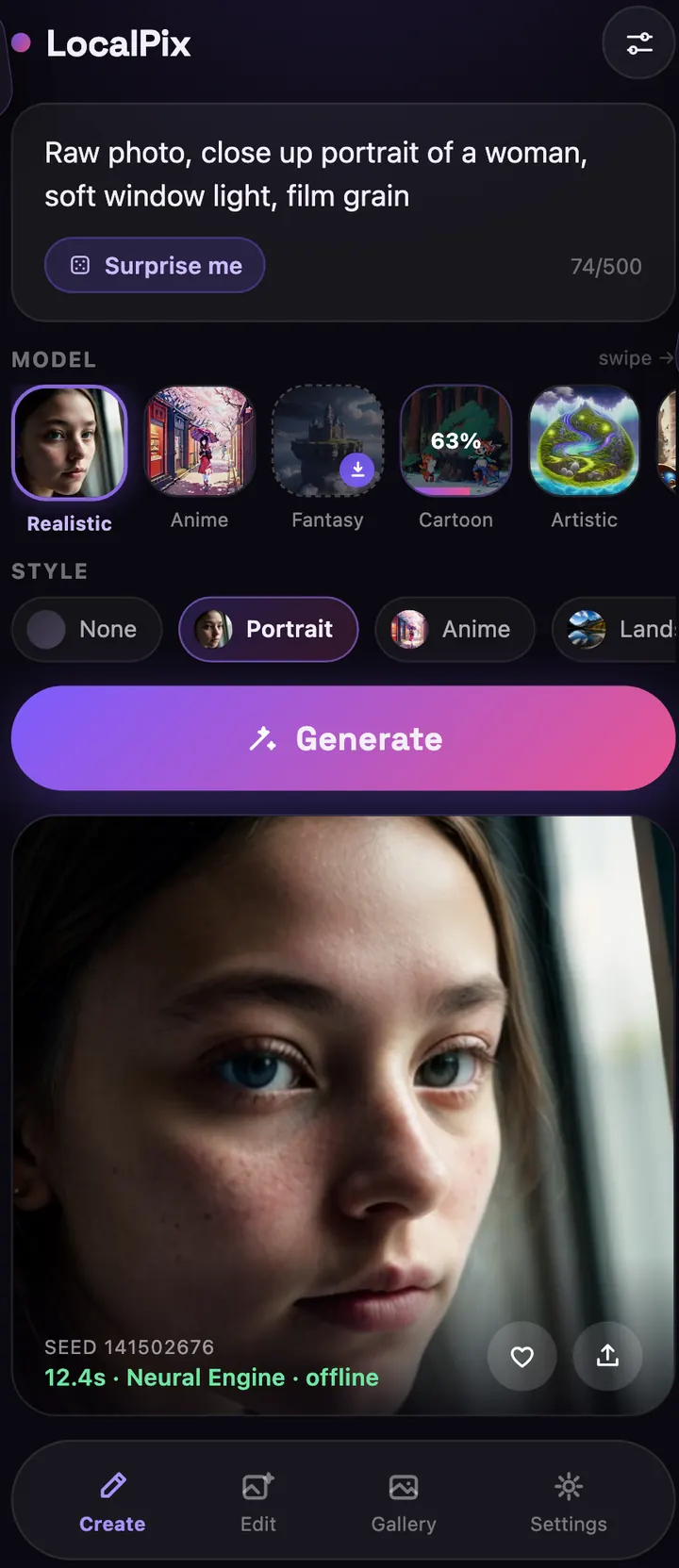
LocalPix brings Stable Diffusion to your pocket: the whole studio runs locally, so it's fast, private and always available.
After a one-time model download, every image is generated on your device. On a plane, on the subway or off the grid — airplane mode is all you need.
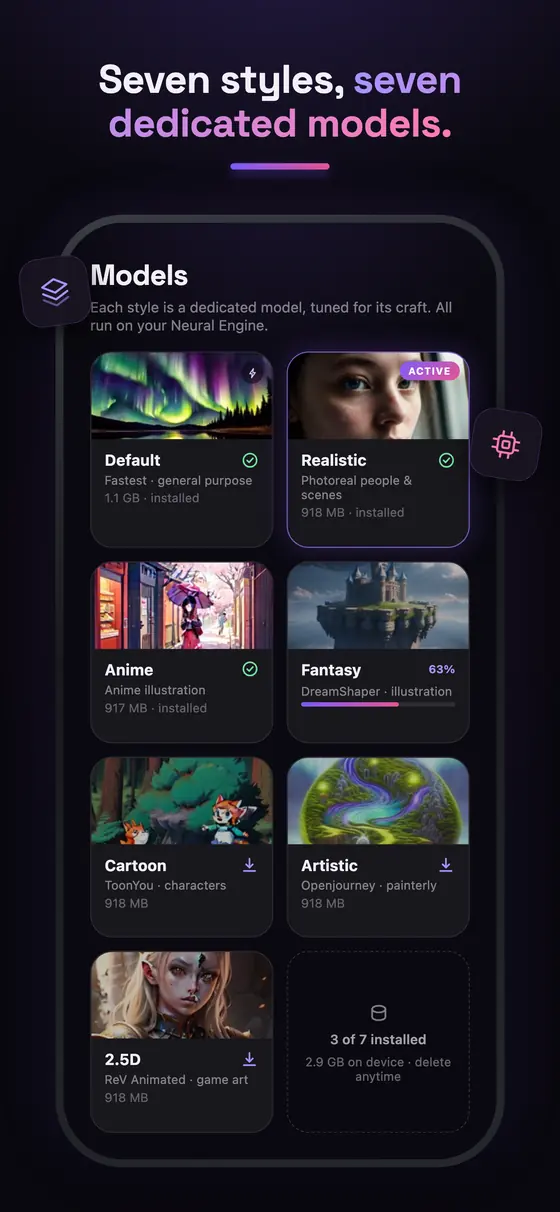
Realistic, Anime, Fantasy, Cartoon, Artistic, 2.5D and a fast Default model. Each style gets its own AI model tuned for one craft.
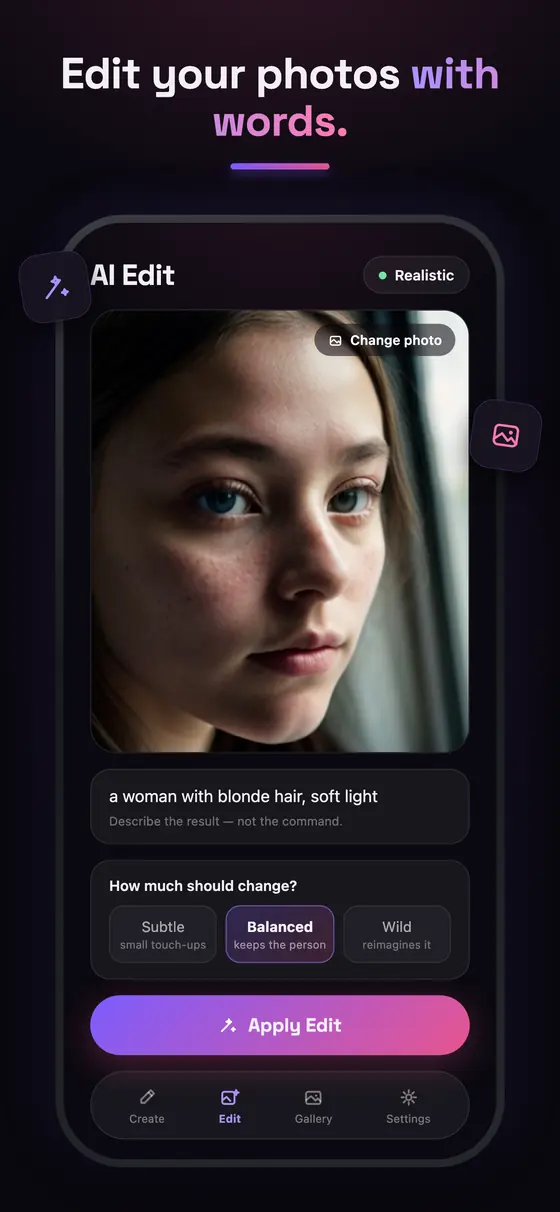
Pick a photo, describe how it should look and LocalPix reimagines it — from subtle touch-ups to a complete transformation.
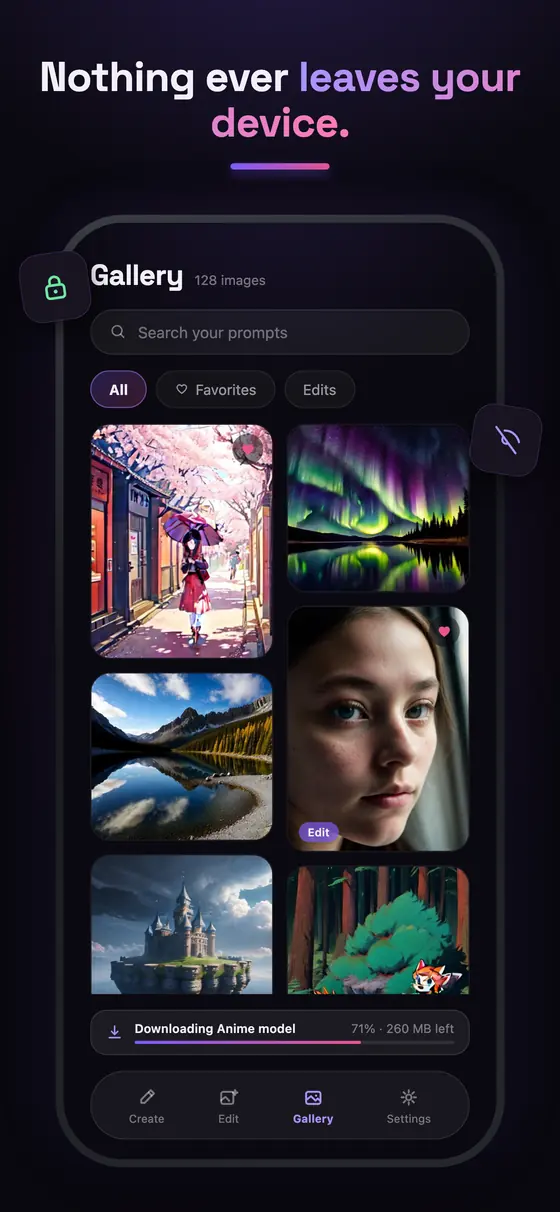
No sign-up and no image uploads. Your prompts, photos and creations stay on your iPhone or iPad.
Built natively for the Neural Engine. A 20-step image takes about 8 seconds on iPhone 16 Pro Max.
Surprise Me prompts, style presets, a searchable gallery with favorites, plus advanced controls for steps, guidance and seeds.
Download only the models you want and delete them anytime. Each one is roughly 1 GB and runs fully offline.
Choose a model once. It's saved on your device for offline use.
Write a few words — subject, mood and light — or tap Surprise Me.
Your iPhone creates the image locally and saves it to your gallery.
Cloud AI apps send every prompt and photo to a server. LocalPix doesn't — image generation and photo editing run entirely on your iPhone or iPad.
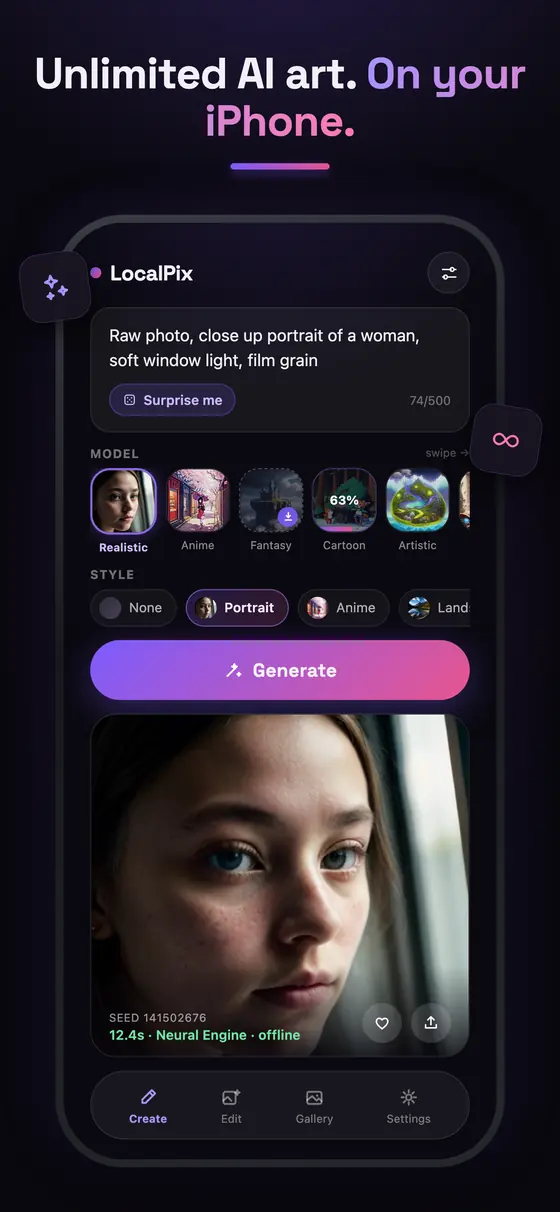
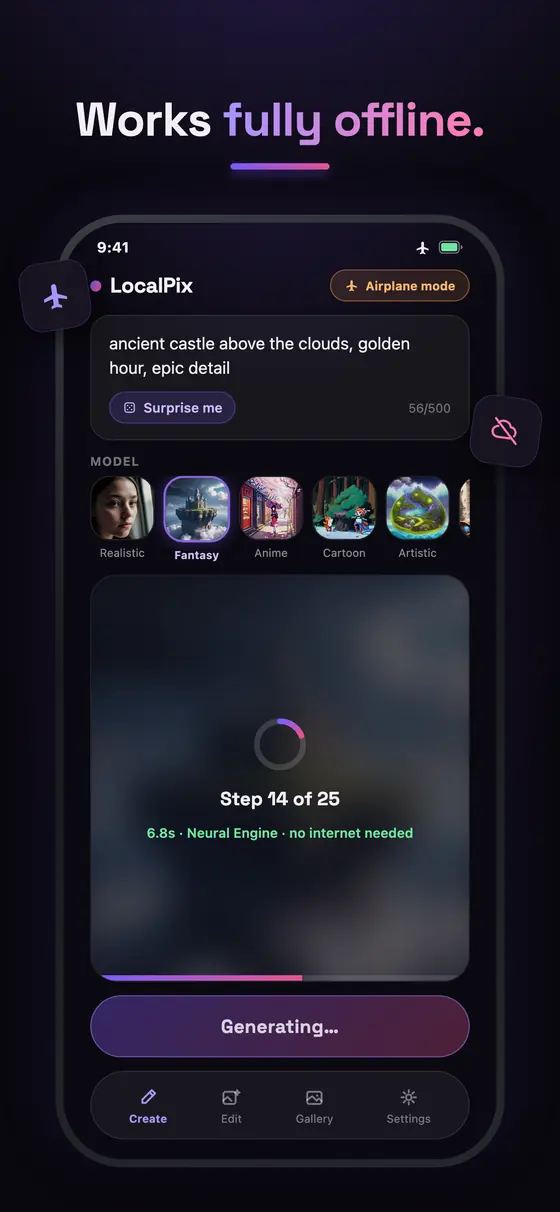
Yes. You need a connection only to download a style model the first time and to make purchases. After that, generating and editing images works fully offline, even in airplane mode.
Your first image is free with the Default model. LocalPix Pro unlocks unlimited images, all seven style models, style presets, AI photo editing and advanced controls, either as a one-time Lifetime purchase or as a weekly subscription.
LocalPix requires iOS 18 or iPadOS 18 or later. For the best experience we recommend iPhone 12 (A14 Bionic) or newer, or an iPad with an M-series chip. Newer devices generate images faster.
A few seconds on recent devices — about 8 seconds for a 20-step image on iPhone 16 Pro Max. Older devices take longer, and more steps give more detail.
Yes. LocalPix runs open Stable Diffusion models — Stable Diffusion 2.1, Realistic Vision, MeinaMix, DreamShaper, ToonYou, Openjourney and ReV Animated — converted with Core ML to run on the Apple Neural Engine.
Image generation and photo editing happen entirely on your device, so your prompts, photos and creations are never uploaded. LocalPix uses basic app analytics that never include your prompts or images; details are in the privacy policy.
The app itself is a small download. Each style model takes about 0.9–1.1 GB, and you only download the styles you want. You can delete a model anytime to free up space.
Yes. With AI Edit (Pro) you pick a photo, describe the result and choose how strong the change should be — subtle, balanced or a full reimagining. The photo is processed on your device.
Yes. The Lifetime Family Sharing edition unlocks Pro for everyone in your Apple Family Sharing group.
You do. You can use your images as you like within the use restrictions of the open model licenses (CreativeML Open RAIL-M), which prohibit unlawful or harmful use.
Generate your first image free — no account, no internet needed.
Download on theApp Store